My Garage
My Account
Cart
Genuine Lincoln Navigator Accelerator Cable
Choke Cable- Select Vehicle by Model
- Select Vehicle by VIN
Select Vehicle by Model
orMake
Model
Year
Select Vehicle by VIN
For the most accurate results, select vehicle by your VIN (Vehicle Identification Number).
4 Accelerator Cables found
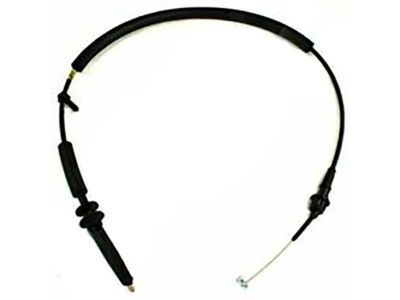
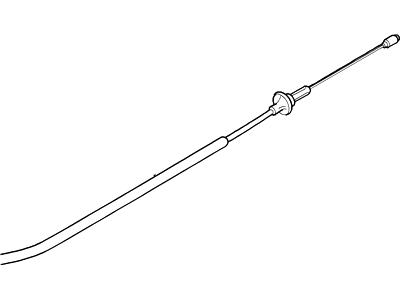
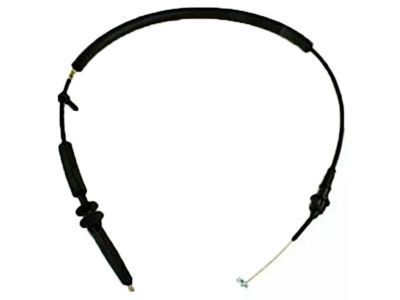
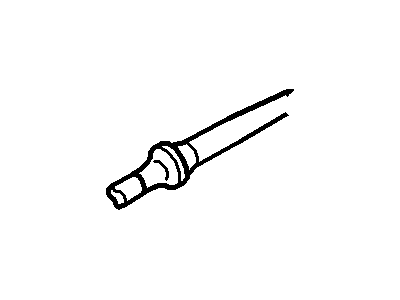
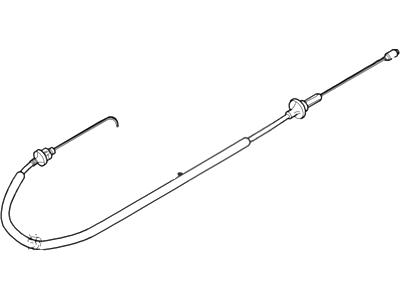
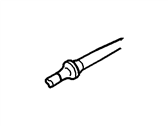
Lincoln Navigator Accelerator Cable
The Lincoln Navigator Accelerator Cable product's main job is to turn a press of your right foot into precise engine power. This Accelerator Cable runs from the cabin pedal to the throttle plate on the intake and pulls the plate open as you push down. This allows extra air to rush through the venturi, where a vacuum draws added fuel for a stronger mixture. For decades, every Lincoln Navigator vehicle, which was known for its carbureted engines, relied on this direct steel-wire Accelerator Cable for managing airflow and a quick shot from the accelerator pump to give the driver instant response without any electronics. The replacement of carburetors by fuel injection necessitated only small changes to the basic Accelerator Cable in contemporary Lincoln Navigator editions. This cable links pedal movement to the throttle body. While the end fittings and sheath routing were updated to fit new manifolds, the pull-and-return principle remained unchanged. Notably, every Lincoln model and Navigator trim, whether with the classic two-barrel setups or the later multi-port systems, benefits from a familiar feel thanks to a sliding Accelerator Cable with strength, flexibility, and low friction.
We provide a wide range of Lincoln Navigator Accelerator Cable at the optimal prices. If you need Lincoln Navigator Accelerator Cable, you can shop with confidence on our website. All our OEM parts come with a manufacturer's warranty and are delivered to your doorstep with a fast delivery service.
Lincoln Navigator Accelerator Cable Parts Questions & Experts Answers
- Q:How to remove the accelerator cable on Lincoln Navigator with drive-by-wire electronic throttle control (ETC)?A:To remove the accelerator cable on 2005+ Expedition/Navigator models with ETC, start by removing the accelerator control shield. Detach the cruise control cable end and accelerator cable from the throttle lever. Separate the accelerator cable from the bracket and pull the cable end out from the accelerator pedal recess. Disconnect any cable clips or brackets and remove the cable through the firewall. To install, reverse these steps, ensuring correct cable routing and grommet seating. Apply sealant around the cable at the engine compartment side of the firewall if needed. To adjust, measure the freeplay by pressing down on the cable from the housing and ensure slight cable freeplay. Replace if there's no freeplay or if the cable is binding.